AI video generator with consistent characters and voicesWhat are we shooting?
Brief it like you would a director. Backlot plans the shots, casts your troupe and shows the price before anything renders.
Start from a format
Ten kinds of piece, each with a real example. Open one to read the brief that made it, then make your own.
What's new in the studio
 Listen
 Every take sounds like its picture
Footsteps, thunder and machinery in sync with the frame, and a score under the cut that dips when someone speaks. 1 credit per 5 seconds; library music is free.
 See how
 Edit a production by writing to it
Say what to change and it's done. Renders wait for your OK. 2 credits a note.
 Connect
 Direct the studio from your assistant
Connect once, then ask for productions, renders and stills in plain words. It quotes before it spends.
 Watch
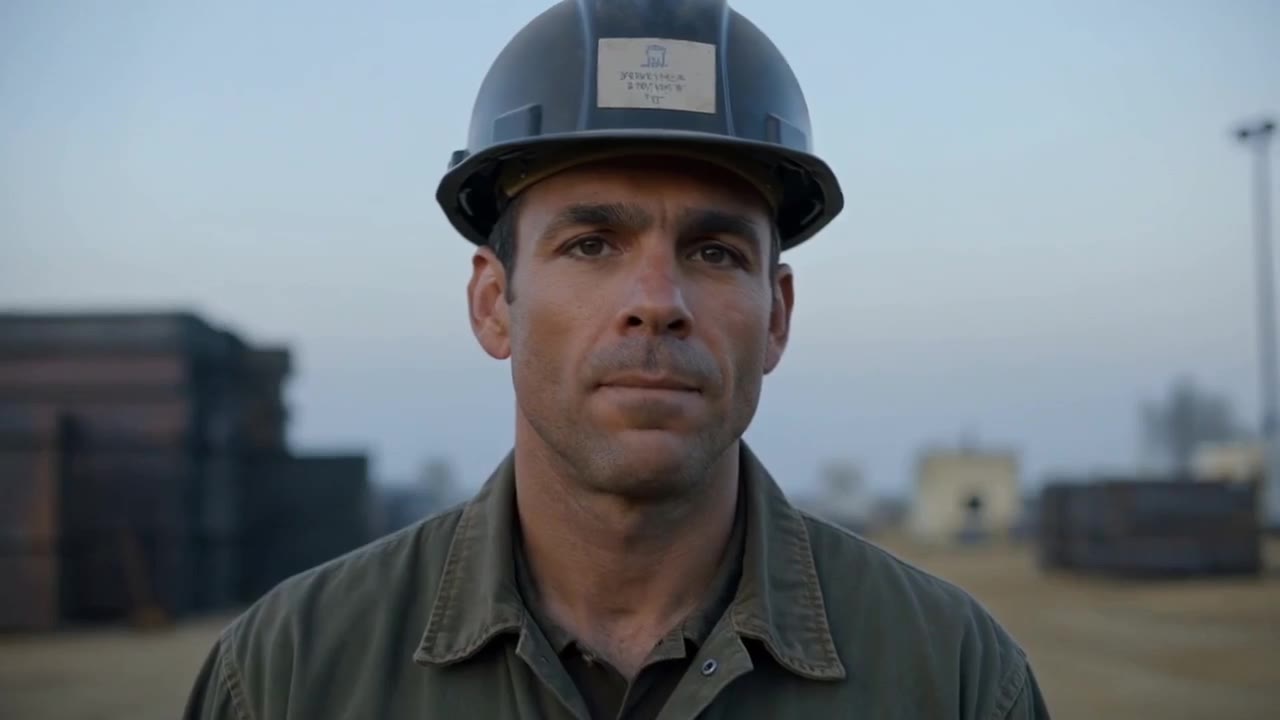
Watch Ten productions, made in Backlot
Real renders with the briefs that made them. Open one and make your own version.
Made in Backlot
Ten productions cast from our own troupe, every frame a real render. Open one to see the brief that made it.
Everything in one studio
The same cast, looks and credits run through all of it. Prices are what the app charges.
 Productions from a briefA sentence, a page or a PDF becomes a priced shot listPlanning included
- Sound effectsNewEvery take sounds like its picture, in sync1 cr / 5 seconds
 Music under the cutNewFree from the library, or composed to your briefFree · 5 cr a minute composed
- Director notesNewEdit a production by writing to it2 cr a note
 Prompt assistantRough words in, shootable direction out5 cr a draft
 Locked charactersOne face in every shot, from a reference sheet10 cr a sheet
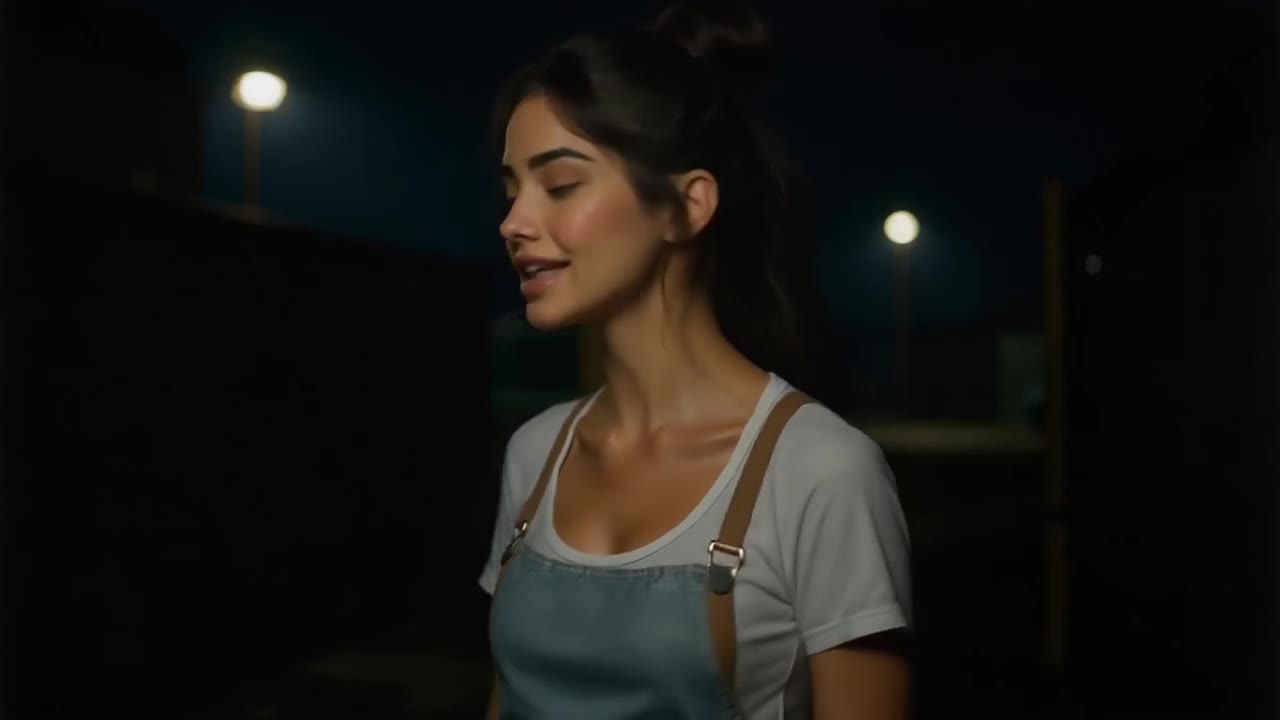 Voice cloningRead a script into your browser, once25 cr once
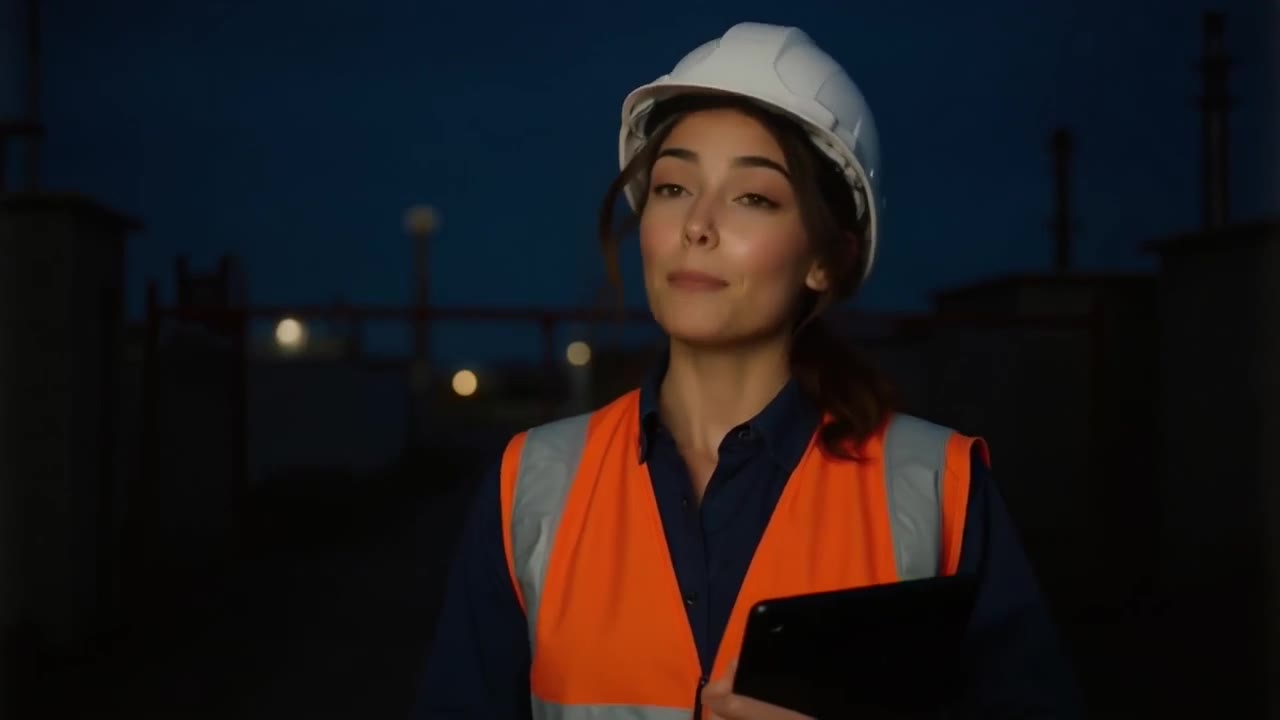 Voiceover you can downloadPaste a script, get the MP31 cr / 250 characters
 Stills and photo editsPosters that spell, and new scenes for your photos2-3 cr
 Lip-sync and dubNew words or a new language on footage you have1.5-2 cr a second
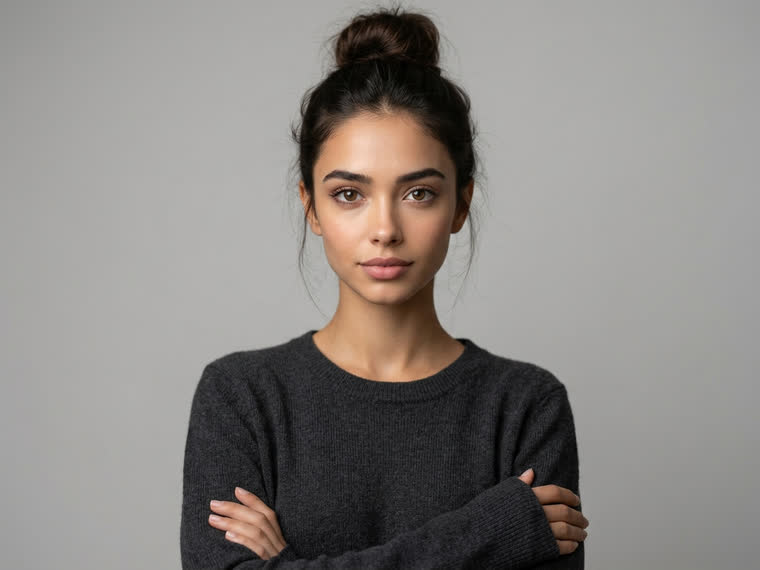 Character swapRecast the person in a video from one photo1.5 cr a second
- Claude and ChatGPTNewDirect the studio from your assistant3,000-credit packs
Six looks, one cast
Pick a look and Backlot sets the prompts, the motion model and the pacing. The same character can be cast in any of them.
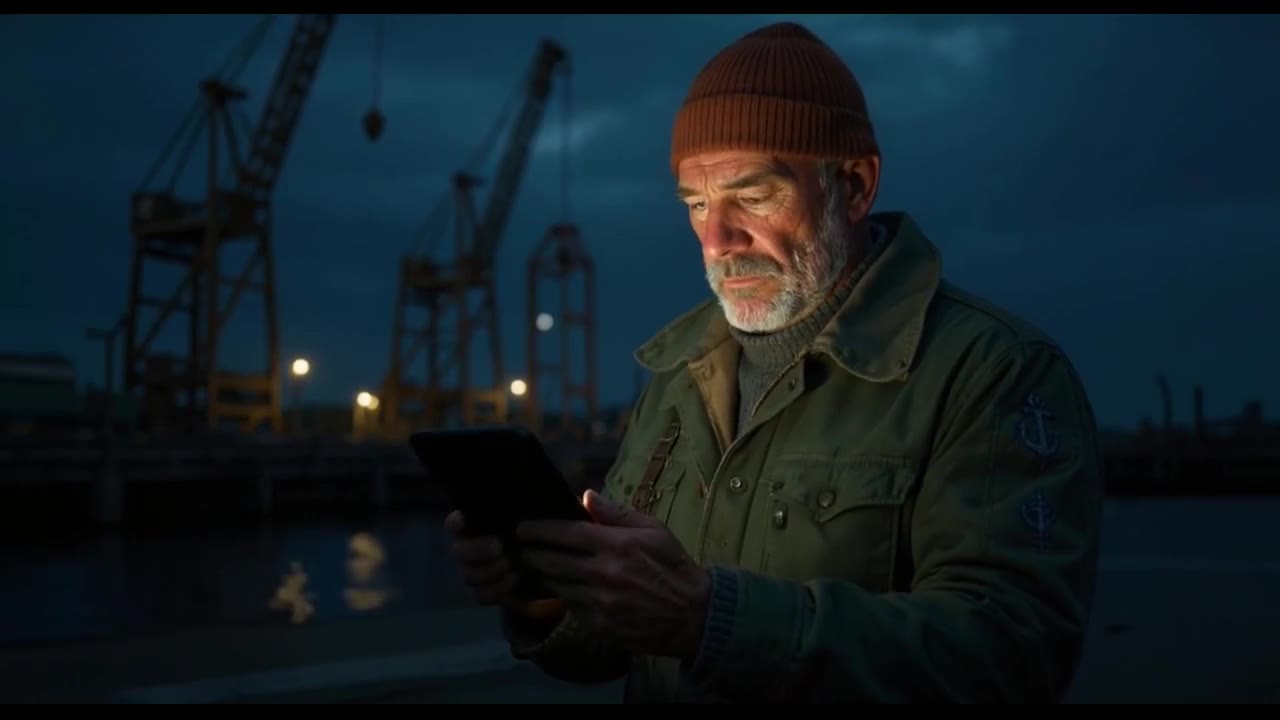
 Ultra-realistic
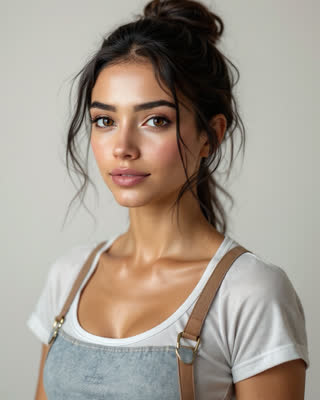
Indistinguishable from footage: real skin, real light, shallow depth of field.
- 3D animated
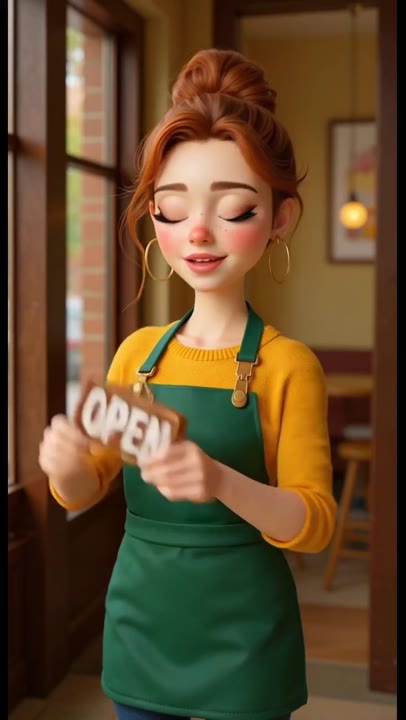
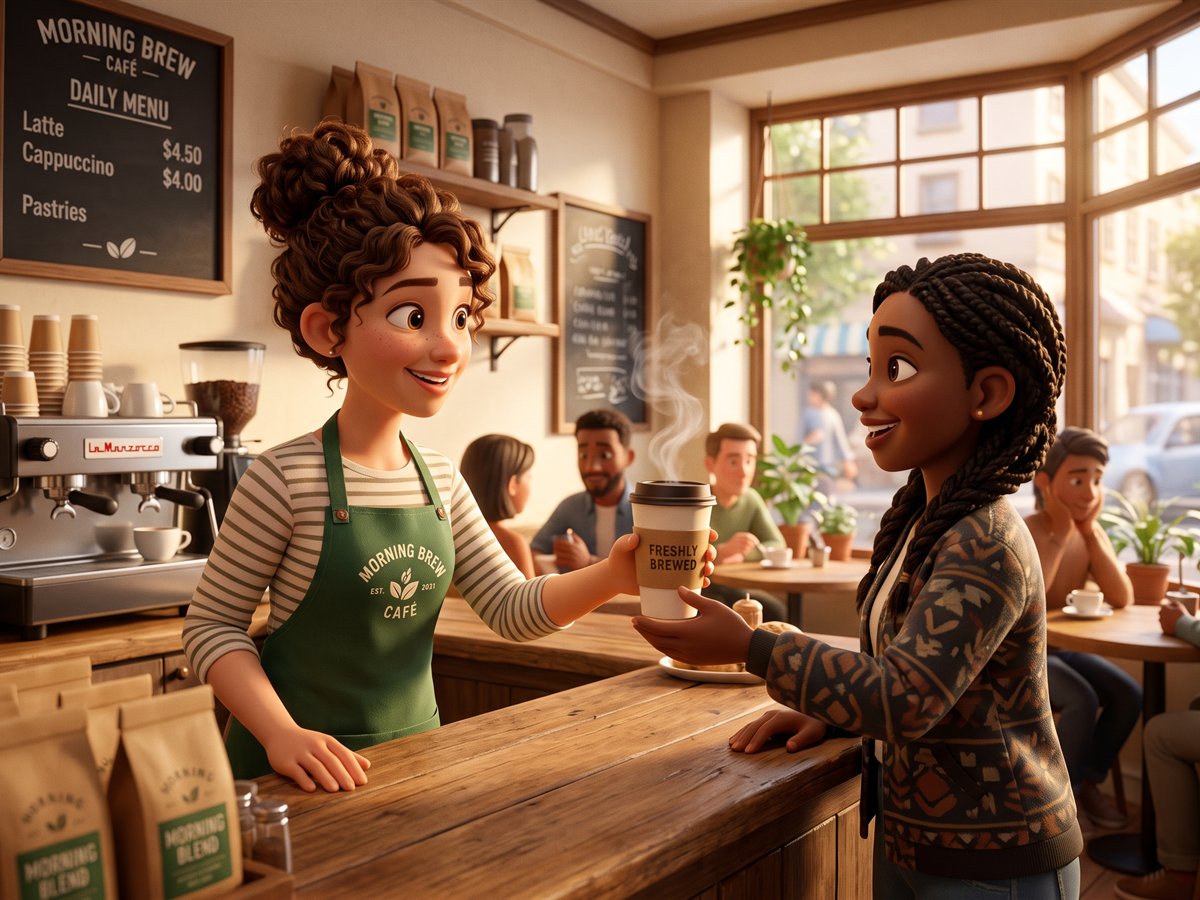
Feature-animation warmth: soft global illumination and expressive, stylised characters.
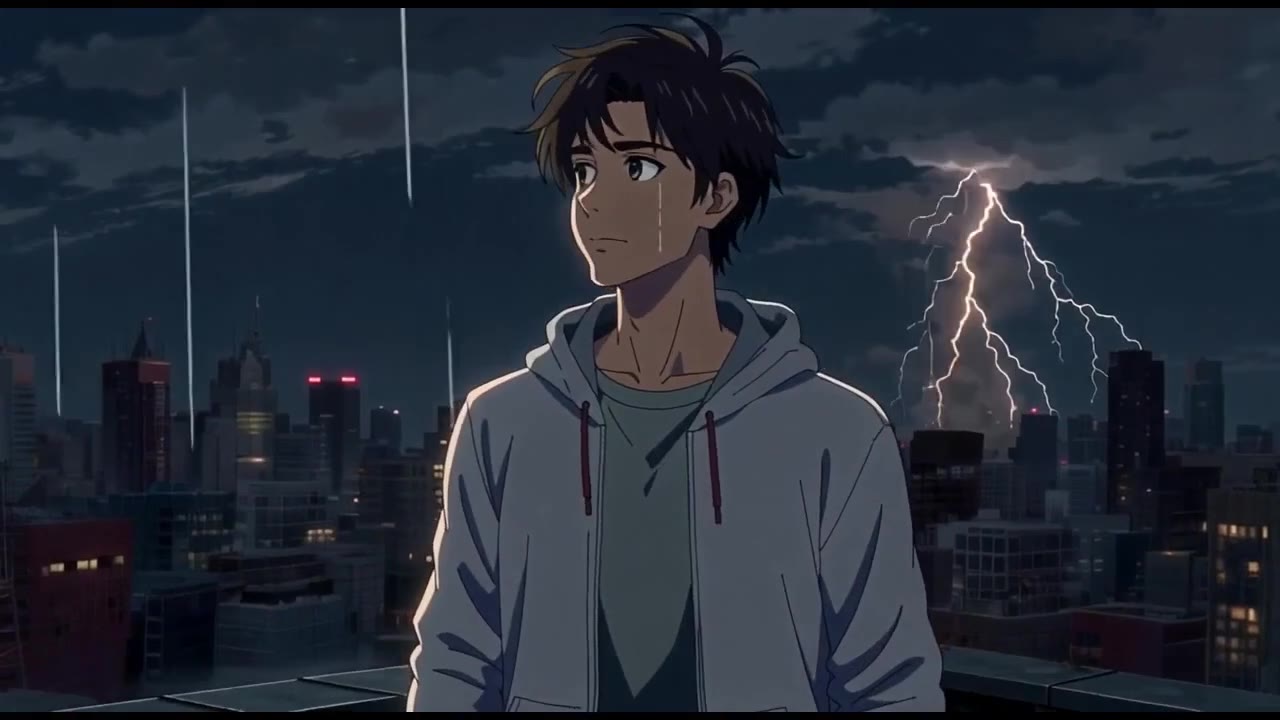
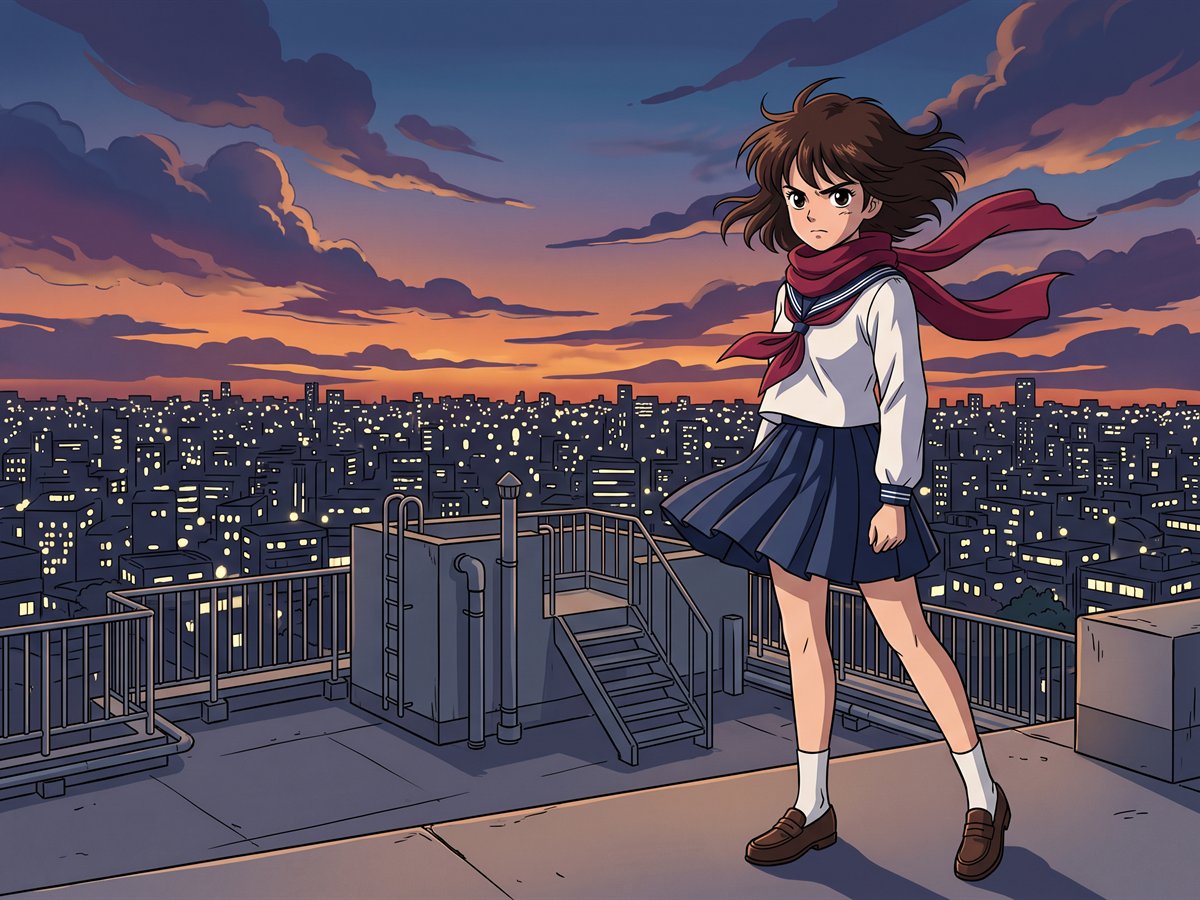 Anime
AnimeHand-drawn 2D with clean linework, cel shading and painted backgrounds.
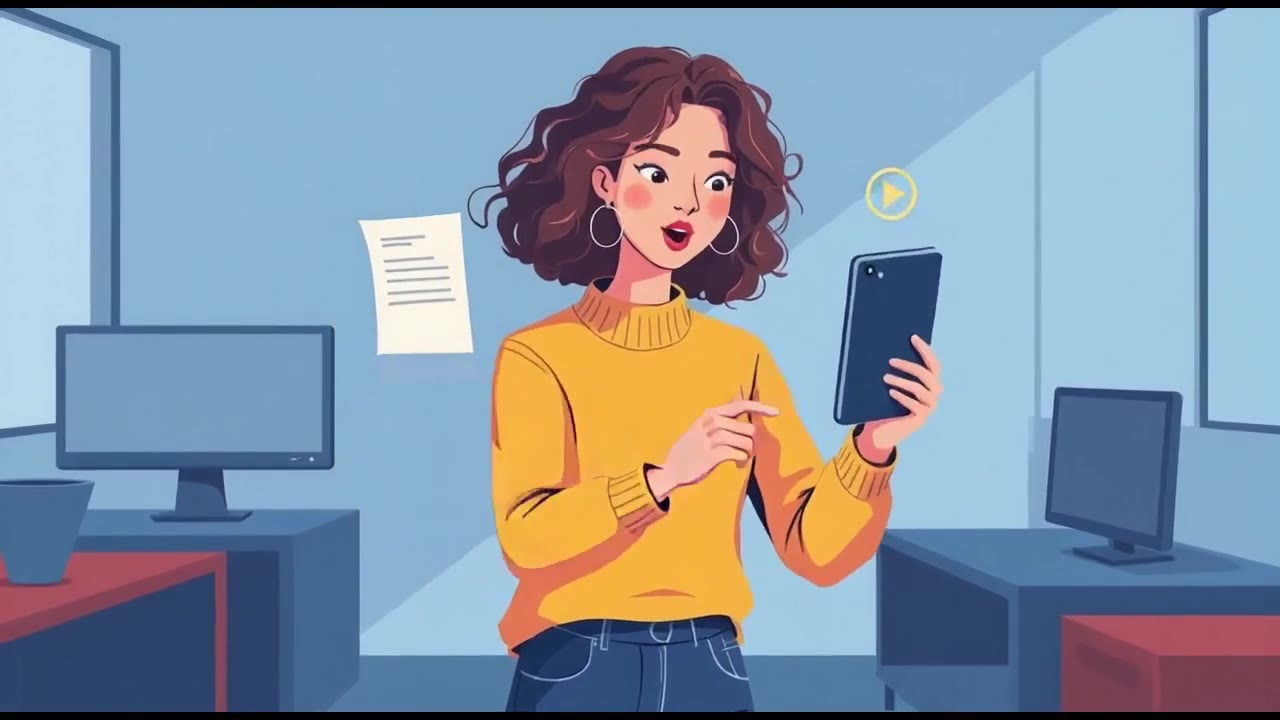
- 2D vector
Flat, geometric illustration in the language of a modern corporate explainer.
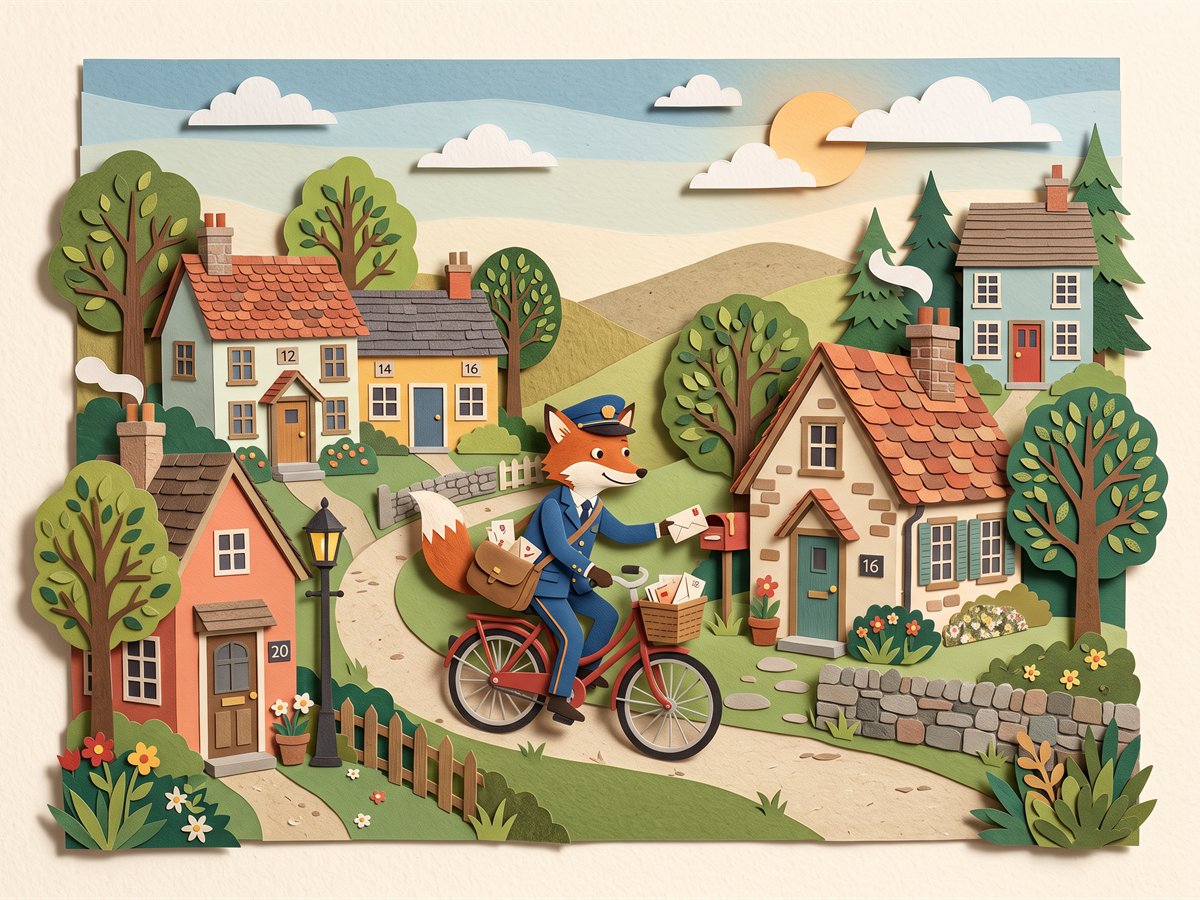 Cut-out
Layered paper with visible edges and jointed limbs, moved a frame at a time.
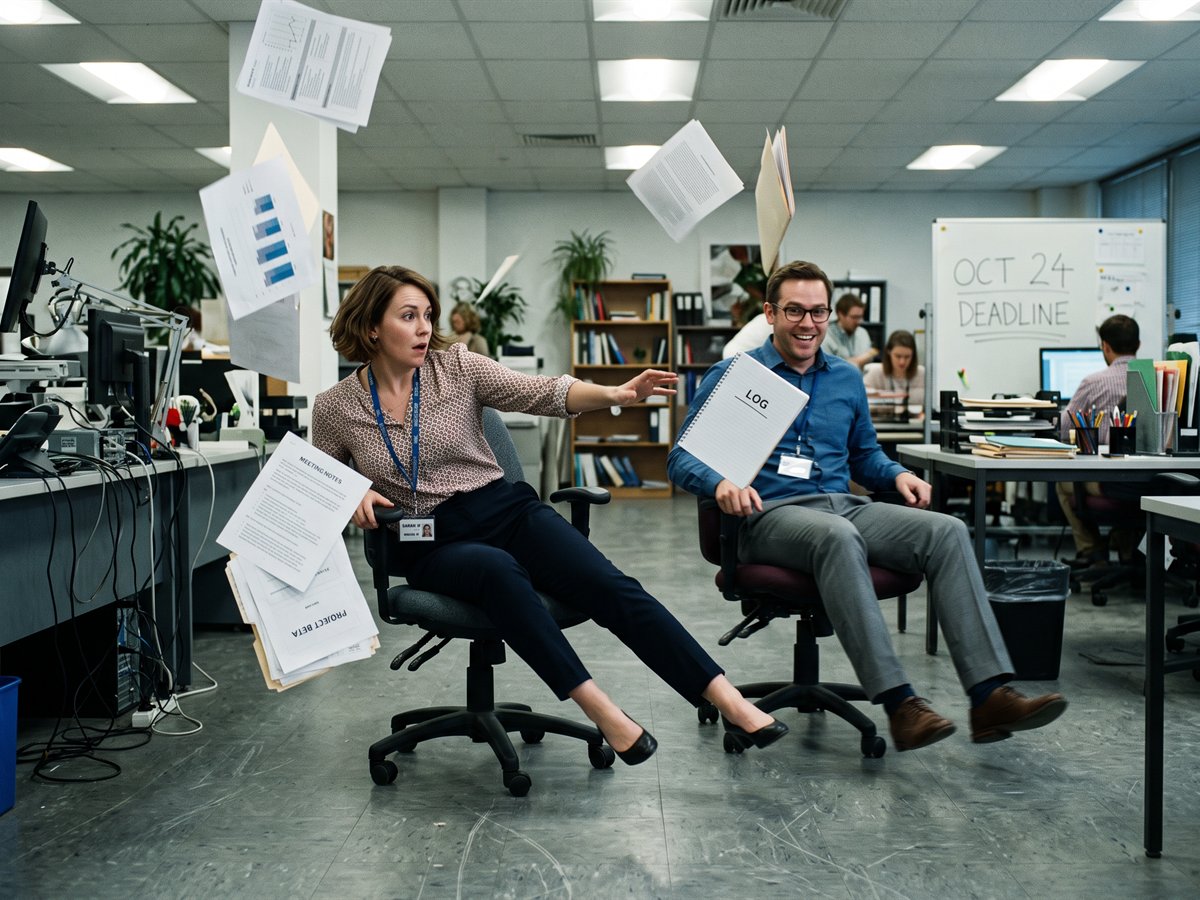 Pixilation
Live actors photographed frame by frame: jerky, handmade and playful.
Character lock
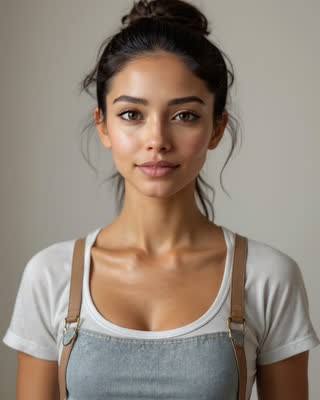
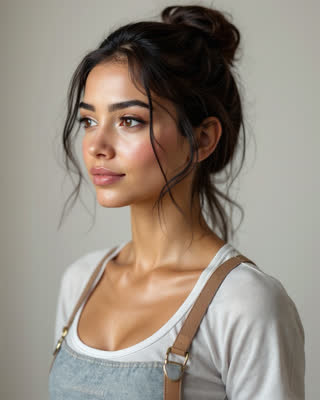
One face. Every scene. No drift.
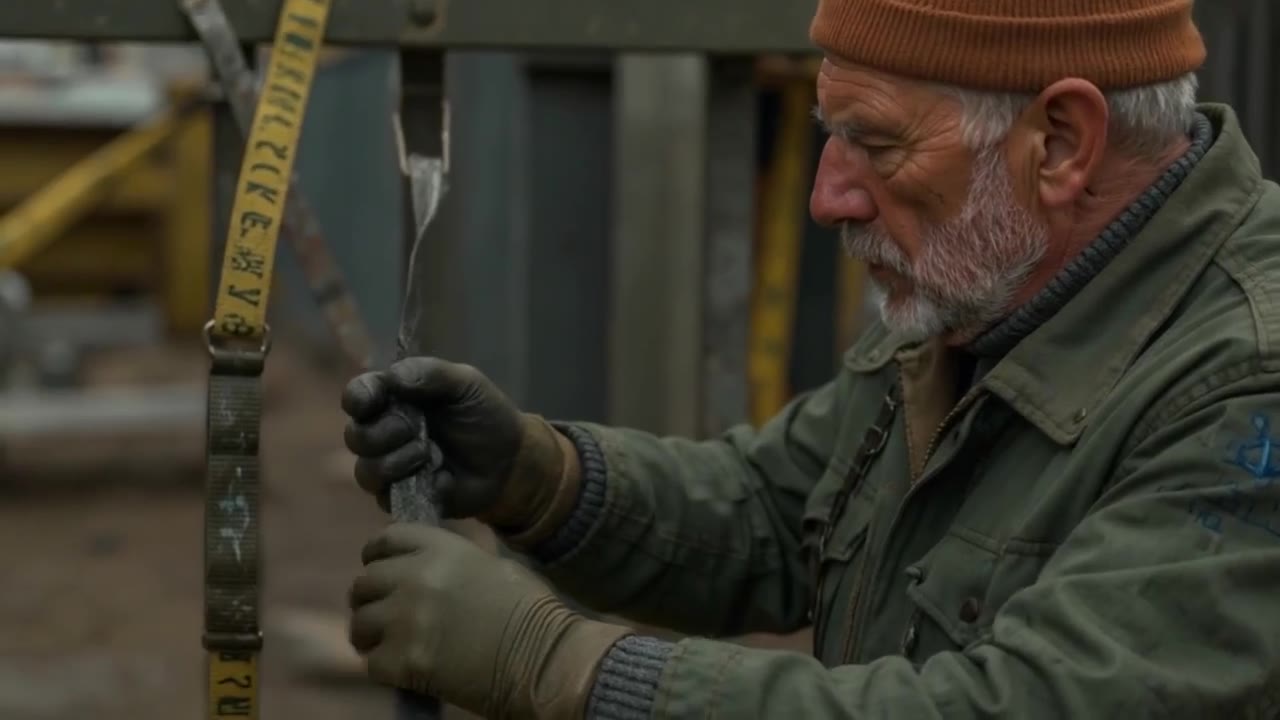
A character isn't a prompt. Lock one and Backlot builds a reference sheet of angles and expressions, and every later shot is rendered from that sheet. Change the wardrobe, the city, the light or the camera: the person stays the same person.
- Build a character from a description, a photo, or any still you've made
- Cast the same character in video and in images
- Give them a voice, and every line they speak is theirs
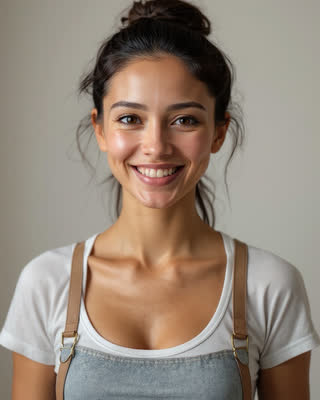
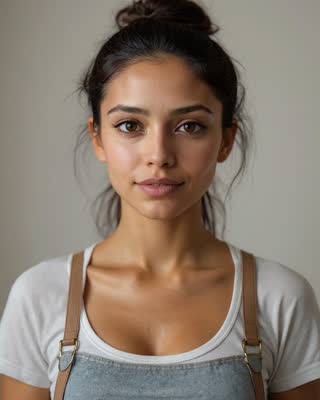
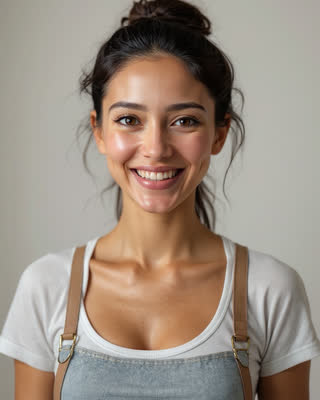


From brief to finished cut
You stay the director. Backlot is the crew, and the meter doesn't run until you say go.
Brief it
Type it, say it, or drop in the PDF or deck you already have. Backlot reads it and drafts the story.
Approve the plan and the price
A numbered shot list with camera notes, dialogue and continuity, and exactly what it costs. Nothing is charged until you say go.
Render, review, assemble
Keep every take, redo only the shot that missed, and stitch the approved ones into one finished MP4.
Credits never expire
drafted twice, then finished once, with sound on every take and library music, 168 credits
about 900 characters, downloaded as MP3, 4 credits
at 2K, with the headline spelled right, 3 credits
Questions people ask first
Something we haven't answered? Talk to us.
- What can Backlot make?
- Three things from one cast. Video: a brief becomes a planned, priced, assembled cut. Voice: clone or design a voice, have it read any script and download the audio. Images: posters, key art and product shots, including edits of your own photographs.
- Do I need any video skills?
- No. Write a brief in plain language, or hand over a document you already have, and Backlot plans the shots, directs the camera and assembles the cut. If you're not sure how to word something, the prompt assistant writes it in the grammar the renderer reads.
- How do you keep the same character across shots?
- A character isn't a prompt. It's a locked reference sheet: front, three-quarter and profile angles plus expressions, generated once and used as the visual reference for every shot afterwards.
- Can I see what it costs before it renders?
- Yes, and that's deliberate. The shot list arrives with a price per shot and a total, nothing is charged until you press render, and a failed render costs nothing.
- Can I change a production after it's planned?
- Write to it. Director notes takes plain instructions (“swap shots two and three”, “make her line shorter”) and makes the edits. Anything that spends credits or throws work away waits for your OK, with the price on the button. A note is 2 credits.
- Do the videos have sound?
- Yes. Every take gets sound effects made to match its picture, in sync with it, at 1 credit per 5 seconds, and the cut gets a track of music that dips whenever someone speaks. Library music is free; a track composed to your brief is 5 credits a minute.
- Can I use the voices outside Backlot?
- Yes. Every voiceover take downloads as a standard MP3 you can drop into any editor, podcast or phone system. You never have to make a video to use a voice.
- Do credits expire?
- No. Credits you buy stay on your balance until you render with them. There is no monthly reset and no renewal date that wipes them, so a quiet quarter costs you nothing.
- Can I use it all commercially?
- Yes. Renders are produced with third-party models under their commercial terms, and everything you make in your studio is yours to publish.
Your cast is waiting.
Create a studio, build one character and shoot a ten-second test. You'll know in an afternoon whether this is how your team makes video from now on.