Everything it does
One studio,not a shelf of tools.
Backlot isn't a drawer of separate generators that happen to share a login. Everything below runs off the same cast, the same looks and the same credits.


Starting something
Four ways in, none of them a blank page.
Formats
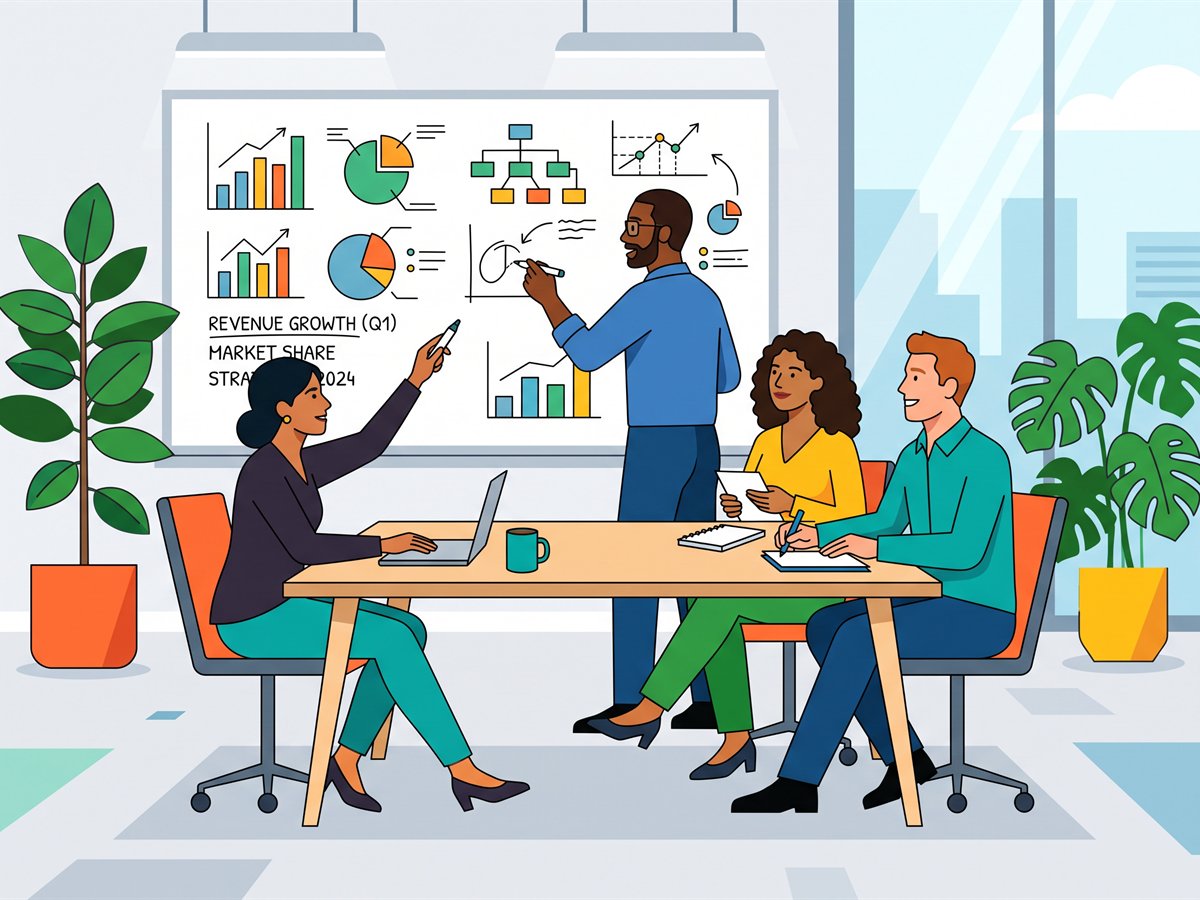
Ten kinds of piece: commercial, product story, explainer, micro-training, social cut, brand film, testimonial, announcement, trailer, how-to. Each sets the length, shape and pacing and fills the brief with a scaffold.
Start from a document
Drop in a PDF, PowerPoint or Word file. Backlot reads it (pages, tables, speaker notes) and drafts the title, the story and a length the material justifies.
Dictation everywhere
Every prompt field has a microphone. Speak instead of typing; it runs in your browser and nothing is uploaded to transcribe it.
Prompt assistant
Say it roughly and it writes the direction properly for the look you're in, the cast in frame and the length of the take.
Your cast
The part that makes a series of clips look like one film.
Troupe
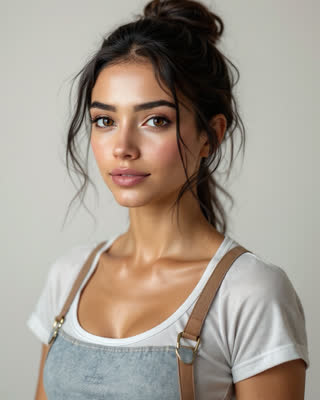
Build a character from a description, from photos of your team (several people at once, even out of one group photo) or from any still you've made. Lock it and Backlot generates a reference sheet: six angles plus expressions.
Character lock
Every later shot renders from that sheet rather than from a description, which is why the same person survives a change of wardrobe, city, light or camera.
Photo studio
On every character's page: a LinkedIn headshot, the same person in front of the Burj Khalifa, a new hair colour, a new outfit, a pose, a retouch, or anything you can put in words, made from the photos they already gave you. Say it or tap a suggestion; the picture is usually there in under a minute.
Voices
Clone yours by reading a script into the browser, design one from a description, or take one from the library. Assign it to a character and every line they speak is theirs.
Voiceover takes
Have any voice read up to 5,000 characters and download the MP3, for an edit, a podcast, a module or a phone system, with or without ever making a video.
Directing it
A shot list you can argue with before you spend anything.
Shot planning
The brief becomes a numbered shot list with action, camera, location, dialogue and continuity, and a price per shot and in total, before a frame renders.
Director notes
Write to the production in plain words: swap shots, cut a line, change a camera, approve, assemble. Edits land straight away; anything that spends credits waits for your OK with its price.
Camera control
Shot size, angle, movement and light as pickers that write the camera line, with a warning on the looks whose model doesn't follow camera direction.
Versions and approvals
Every attempt is kept and numbered. Regenerate the one shot that missed, approve the take you want, and leave notes for whoever signs it off.
Assembly
Approved shots are stitched into one MP4, up to ten minutes: normalised, dissolved into each other (or cut, your choice), scored and levelled. No editor, no export settings.
Sound
A cut that sounds finished, not a string of silent clips.
Sound effects
Every take gets sound made to match its picture, in sync with the frame: steps on the footfalls, thunder with the flash, a buckle's click when it closes. The planner writes what each shot should sound like, and you can change the line and redo the sound without re-rendering the picture.
Music library
30 instrumentals across eight moods, for commercial use online and offline (film, TV and radio broadcast aside). One goes under the whole cut, levelled, dipped under every line and ending on its own ending.
Music to your brief
Describe it (instruments, tempo, what it's for) and a track is composed to the length of your cut. Instrumental, and yours to download.
Your own music
Upload a track the studio has the rights to and it's mixed under the cut the same way. It stays private to the studio.
Where it all lives
One library behind every production, and it stays yours.
Media workspace
Stills, clips, finished cuts and voice takes in one library beside the composer: folders, favourites, search and filters by kind, so a frame you made three weeks ago is one click from the shot you're writing now.
Libraries
Locations, props, wardrobe and style references saved once and reused across productions, so the same street and the same jacket turn up in episode four looking like they did in episode one.
Activity
Every render, its status and what it cost, with a retry on anything that failed. A failed job is never charged.
Credits that don't expire
One balance across video, voice and images. Nothing resets at the end of the month and nothing is forfeited on a renewal date, so a quiet quarter costs you nothing.
Footage you bring
The same work a production does to its own shots, pointed at a file from your computer or a Google Drive, Dropbox or OneDrive link, and trimmed to just the part you want.
Lip-sync a video
Give it footage of someone talking and an audio track, and the mouth is re-animated to the new words, with teeth and facial detail preserved rather than smeared.
Upscale
More resolution than it was shot at, fewer compression artefacts, and optionally a higher frame rate. Useful on a draft you decided to keep.
Remove the background
Cuts the subject out of ordinary footage (no green screen needed) onto a flat colour or a transparent track you can key over your own plate.
Dub into another language
Translates the speech, re-voices it and re-syncs the mouth so it doesn't look dubbed. English, Hindi and Turkish today.
Character swap
Give it a video and a photo of anyone, and the person in the video becomes the person in the photo (face, hair and, from a full-length photo, the whole outfit) with every movement and the sound left exactly as filmed. Thirty seconds at a time, and only with everyone's agreement.
From your assistant
The same studio, driven from Claude or ChatGPT.
MCP connector
Connect your assistant once and ask for productions, renders, stills and the finished cut in plain words. Each tool it has is the same action a button in the app would take.
Quoted before it spends
The assistant has a quote tool and is told to use it and wait for your yes. Renders cost what they cost in the app; nothing moves without a person agreeing.
Acts as you, in one studio
Connecting is a sign-in, not a key. It gets what you can do in the studio you pick (a viewer's assistant can look but not render) and it can never reach another studio.
You still choose the take
It plans, renders and fetches links, but it has no eyes. It sends you to the production to look, then approves and assembles on your word.
Stills and brand
Not everything has to move.
Stills
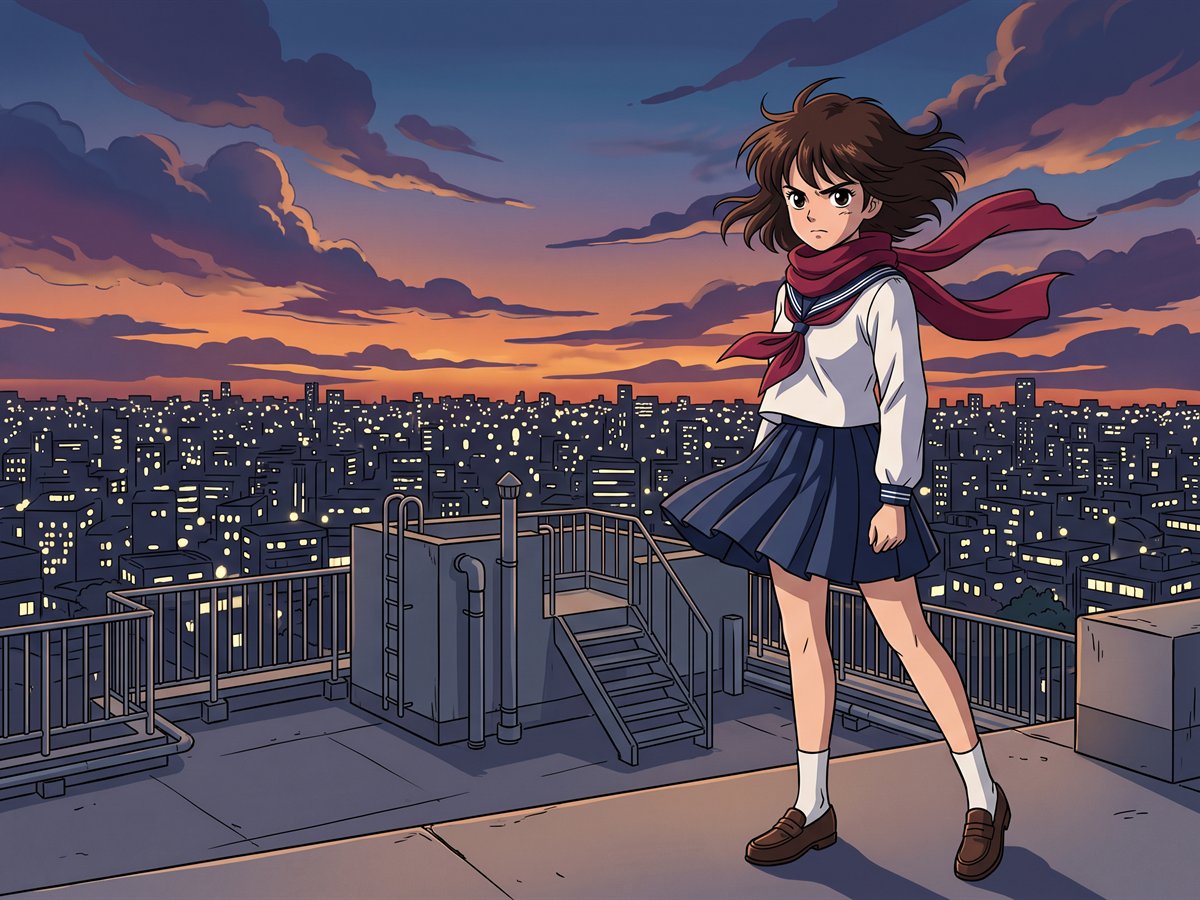
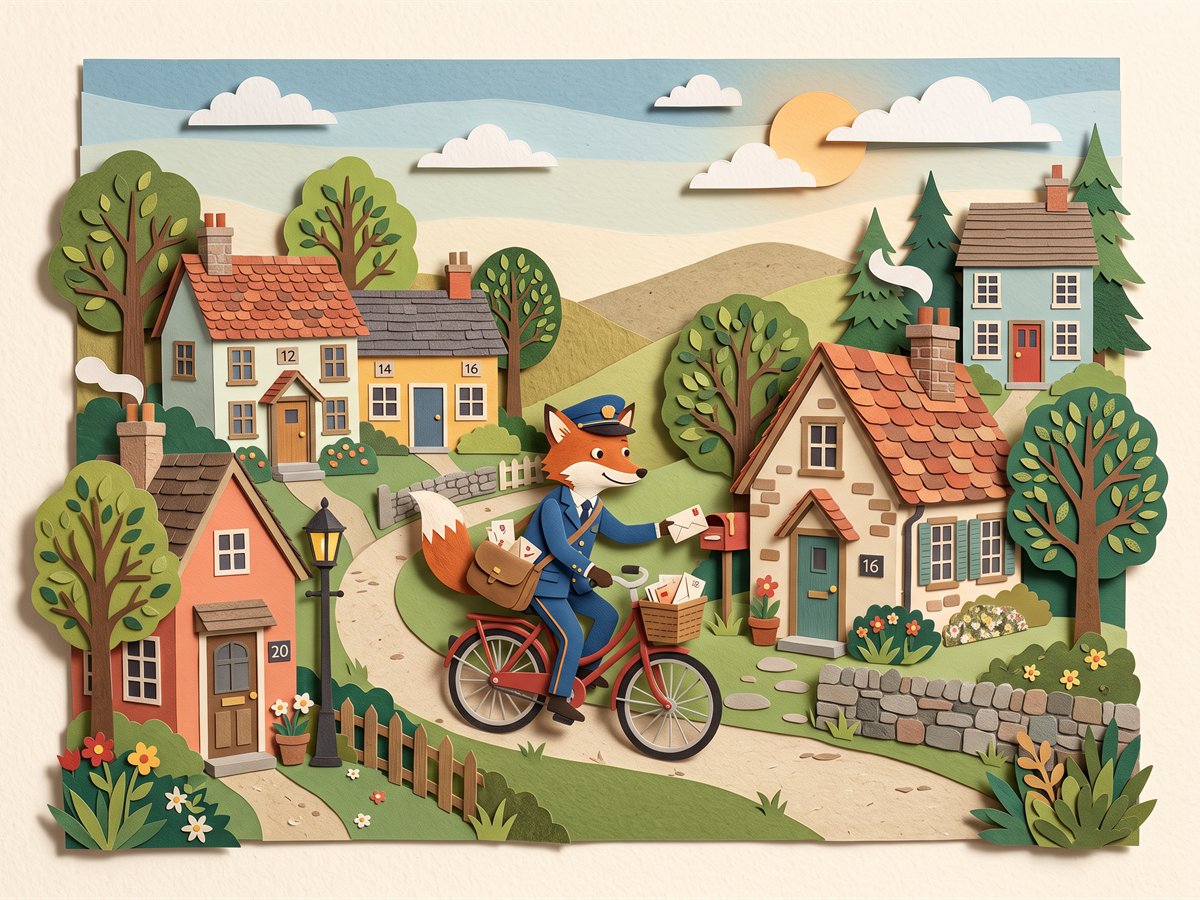
Posters, key art, product shots and slides from a prompt, at 1K or 2K, in any of the six looks or none.
Text that's spelled right
Put a headline in quotes and it comes out exactly that way, on a model chosen for it, because most still can't.
Photo editing
Start from up to three of your own photographs: change or remove a background, add or remove a person, put the people in them somewhere new, or make any of them a locked character.
Brand kit
Logo, palette, typography and the rules you'd otherwise retype into every prompt. New productions inherit them; stills apply them unless you turn it off.
Curious what actually renders any of it? The models page names every one.
Start with one character.
Build a character, give it a voice and shoot a ten-second test. Everything else on this page works off that.