Images
Not every ideaneeds to move.
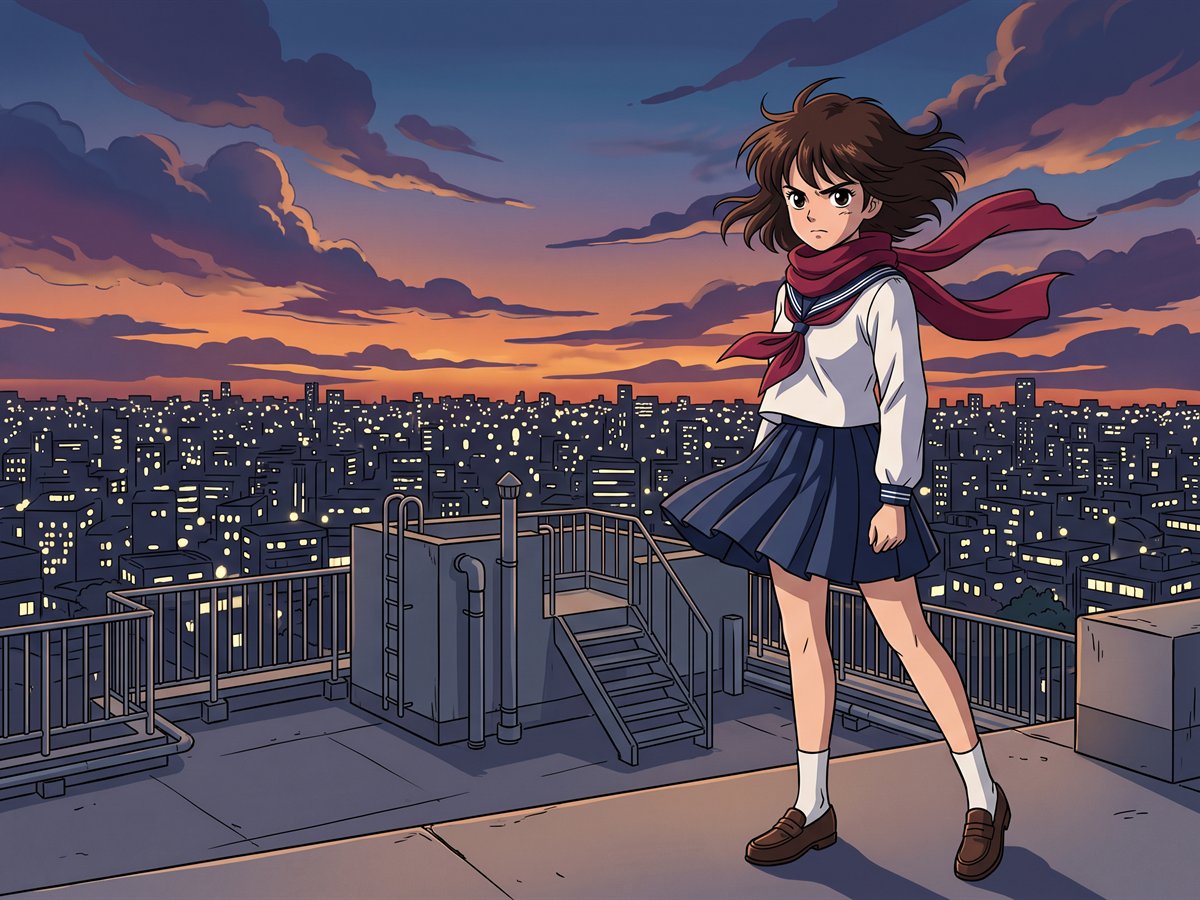
Posters, key art, product shots, slides and social tiles, from a brief or from photographs you already have. Same cast, same six looks, one image at a time.
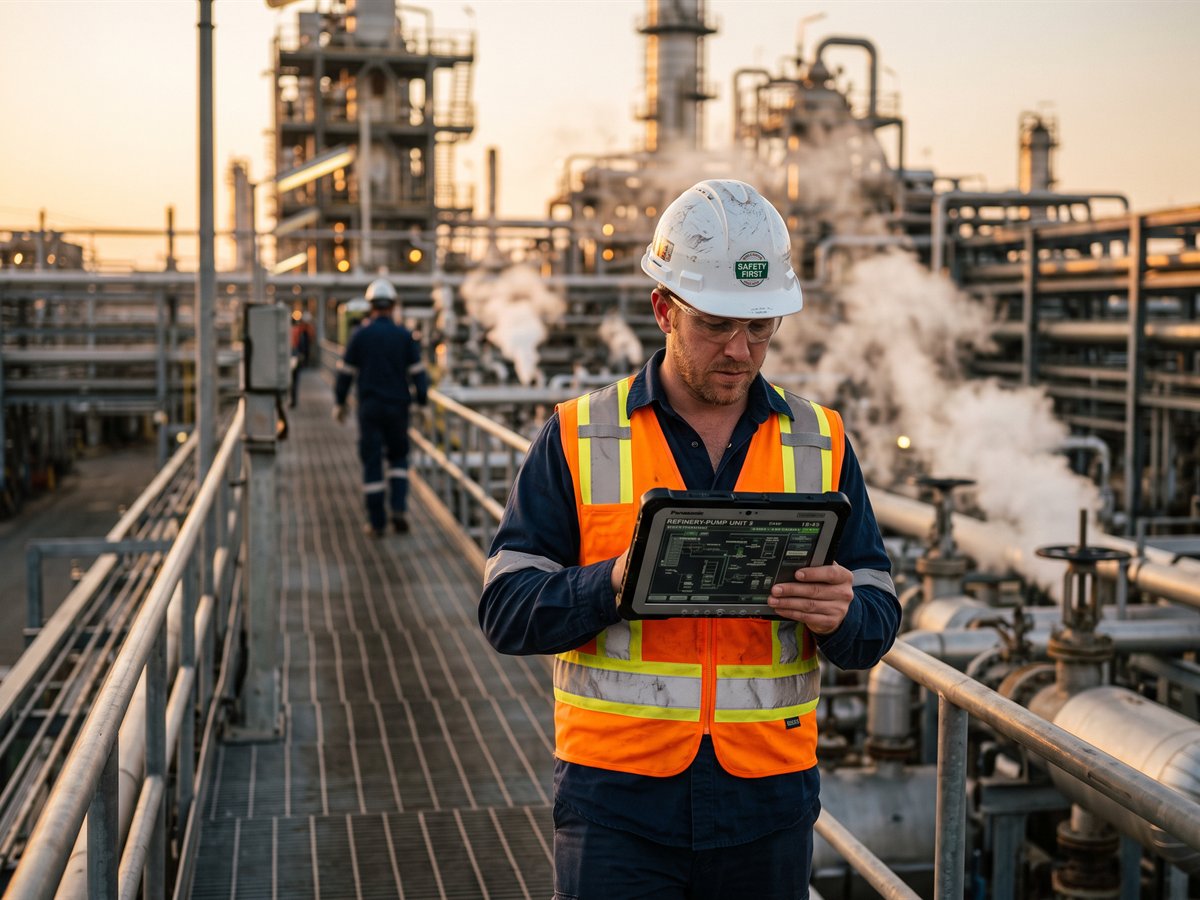
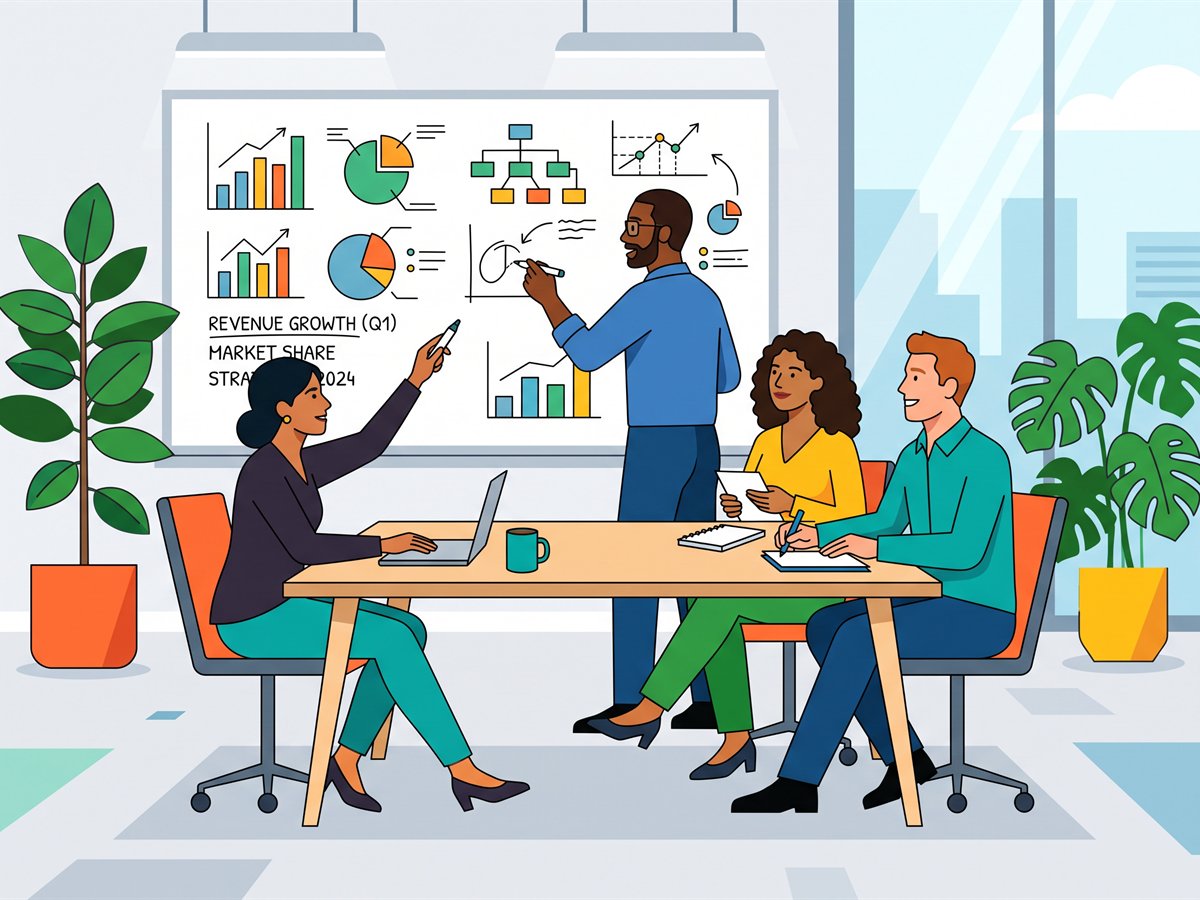
Three things most image tools can't do.
Words that are spelled right
Put your headline in quotation marks and it comes out exactly that way: a poster you can actually use, not one you have to retouch.
People who stay themselves
Cast a locked character and it's the same face you use in video. Put two real people into one invented scene and both still look like themselves.
Your own photographs as the start
Upload what you already have and work on it: change the background, remove someone, add someone, or place the whole group somewhere new.
From a prompt
Describe it, and read it back.
A brief becomes an image at 1K or 2K, in any of the six looks or in none of them. Words you put in quotes come out spelled exactly that way, which sounds small until you've tried to make a poster with a model that can't spell.
- 1K for social, slides and comps at 2 credits; 2K for print and posters at 3
- Up to four variations at a time, each kept separately
- The prompt assistant will word it for you if you'd rather describe it roughly
- Any still you like can be locked into your Troupe as a character
From your cast
The same person, in a new frame.
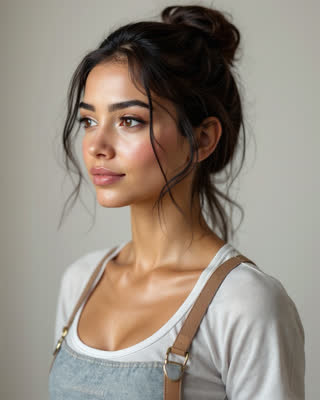
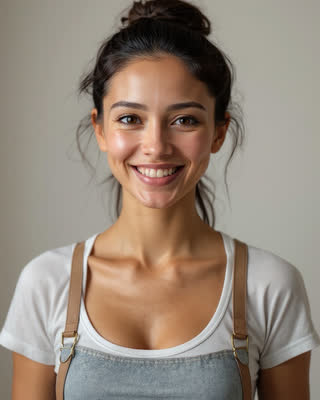
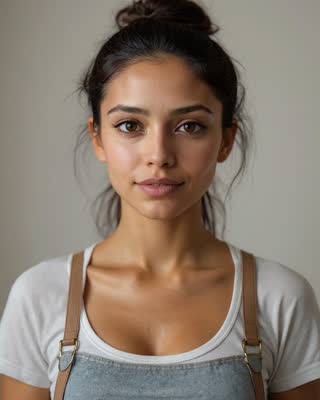
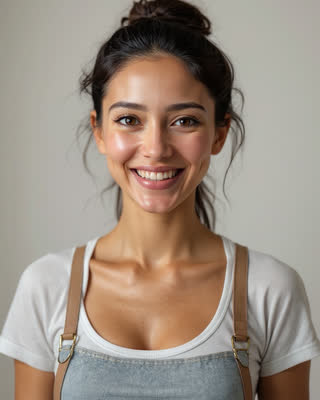
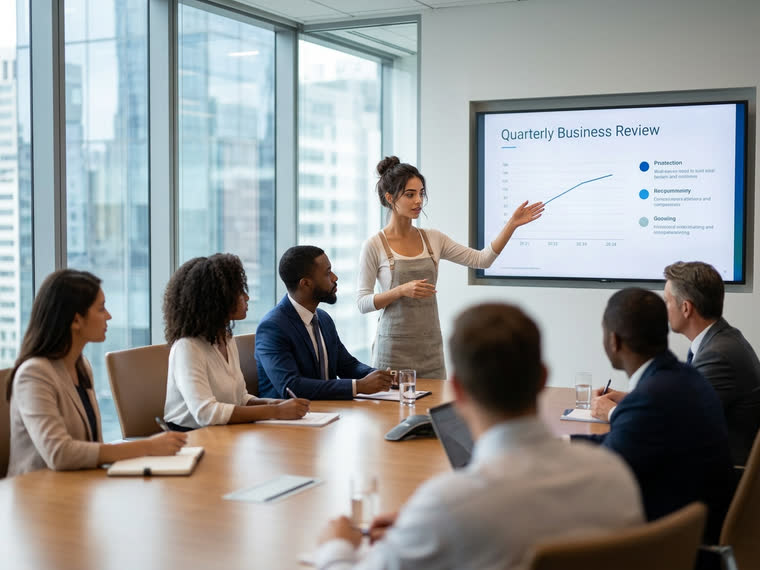
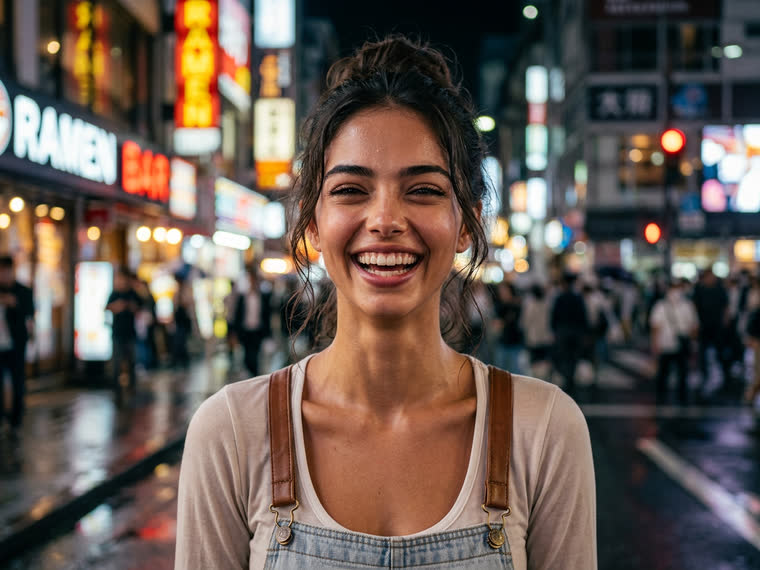
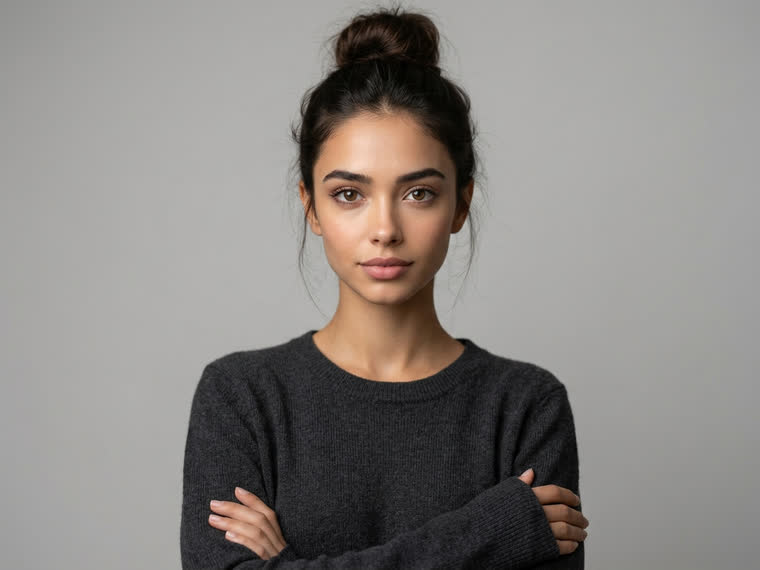
A character locked in your Troupe can appear in an image as easily as in a shot: same face, same build, new wardrobe, new city, new light. That reference sheet is what the model draws from, which is why the person survives the change of scene.
- Cast up to three characters in one image
- The image takes its look from the cast, so nothing gets mixed by accident
- Works from characters you built, photographed or generated

From your photos
Bring your own pictures.
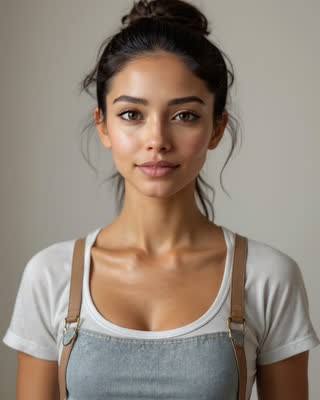
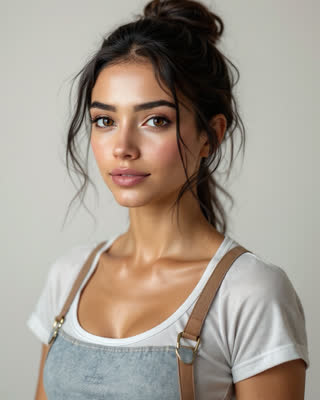
Upload up to three photographs and tell Backlot what you want done: put the two of you somewhere else, take the background out, add someone who wasn't there, remove someone who was, or simply make the shot better. The people stay recognisable.
- Enhance, replace or remove a background, add or remove a person
- Combine the people from several photos into one scene
- Describe the scene in words, or dictate it like every other prompt in Backlot
Questions about images
Something we haven't answered? Talk to us.
- Why does text usually come out wrong in AI images?
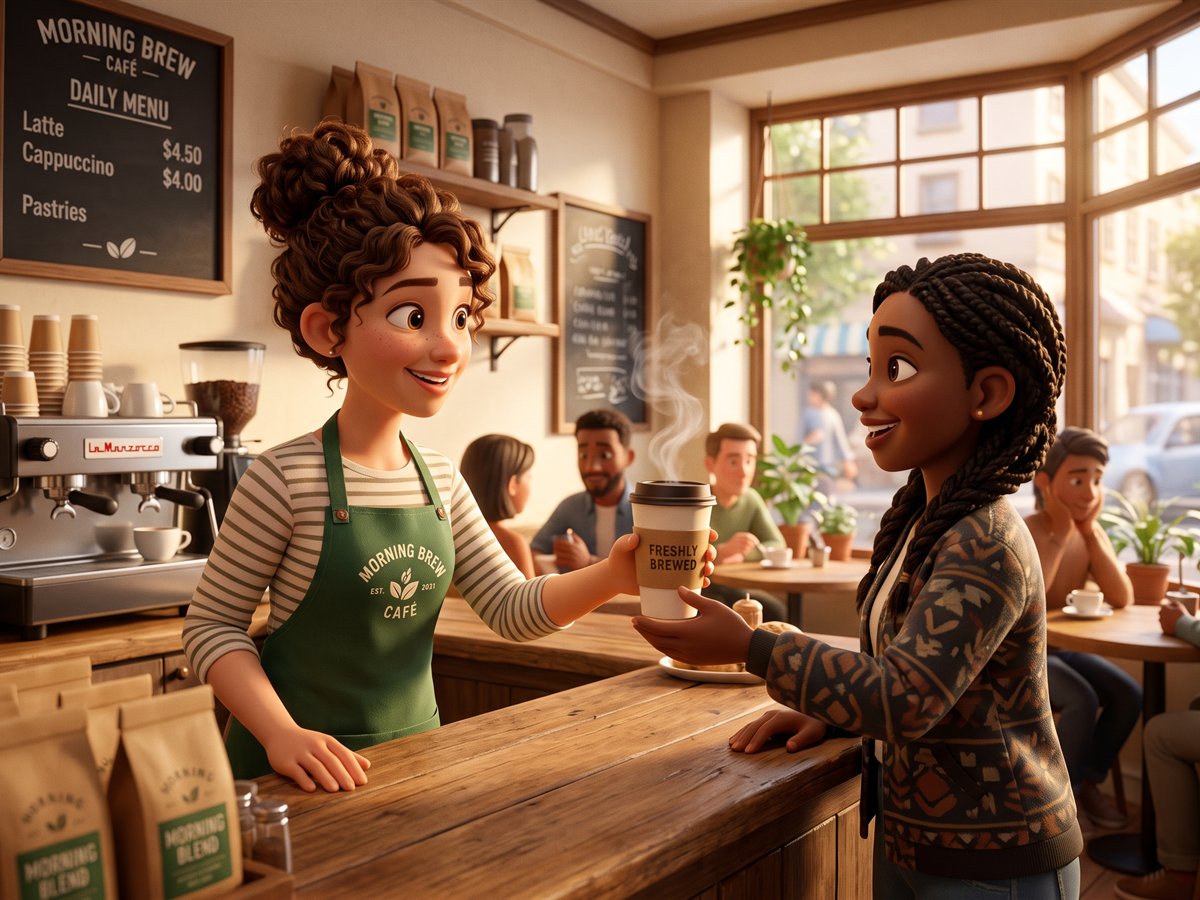
- Most image models treat letters as texture rather than language. Stills runs on a model picked specifically because it spells reliably: put your headline in quotation marks in the prompt and it comes out as written, at poster size.
- Can I edit a photo of a real person?
- Yes. Upload up to three photographs and put the people in them into a new scene, change or remove the background, add or remove someone, or just clean the shot up. Only upload photographs you have the right to use.
- What's the difference between 1K and 2K?
- 1K is the working size, fine for social, slides and comps, and costs 2 credits. 2K is print and poster size at 3 credits. Both come from the same model; only the output resolution changes.
- Can an image become a character?
- Yes. Any still you like can be locked into your Troupe, which generates the reference sheet and lets that person appear in videos and in later images without drifting.
- Do images and video share a look?
- They share the same six pre-programmed looks and the same cast, so a poster and the film it advertises can be made of the same material.
- Can I use the images commercially?
- Yes. Stills are generated with third-party models under their commercial terms, and everything you make in your studio is yours to publish.
Make one and see.
2 credits, about $0.24, puts your first image on screen. Write a headline into the prompt and check the spelling yourself.